Bloom
every image holds a moment.
A private darkroom for your photographs. Develop them in the light, keep the whole record of each one, and carry them between your own devices, with no cloud between.
01THE WALL

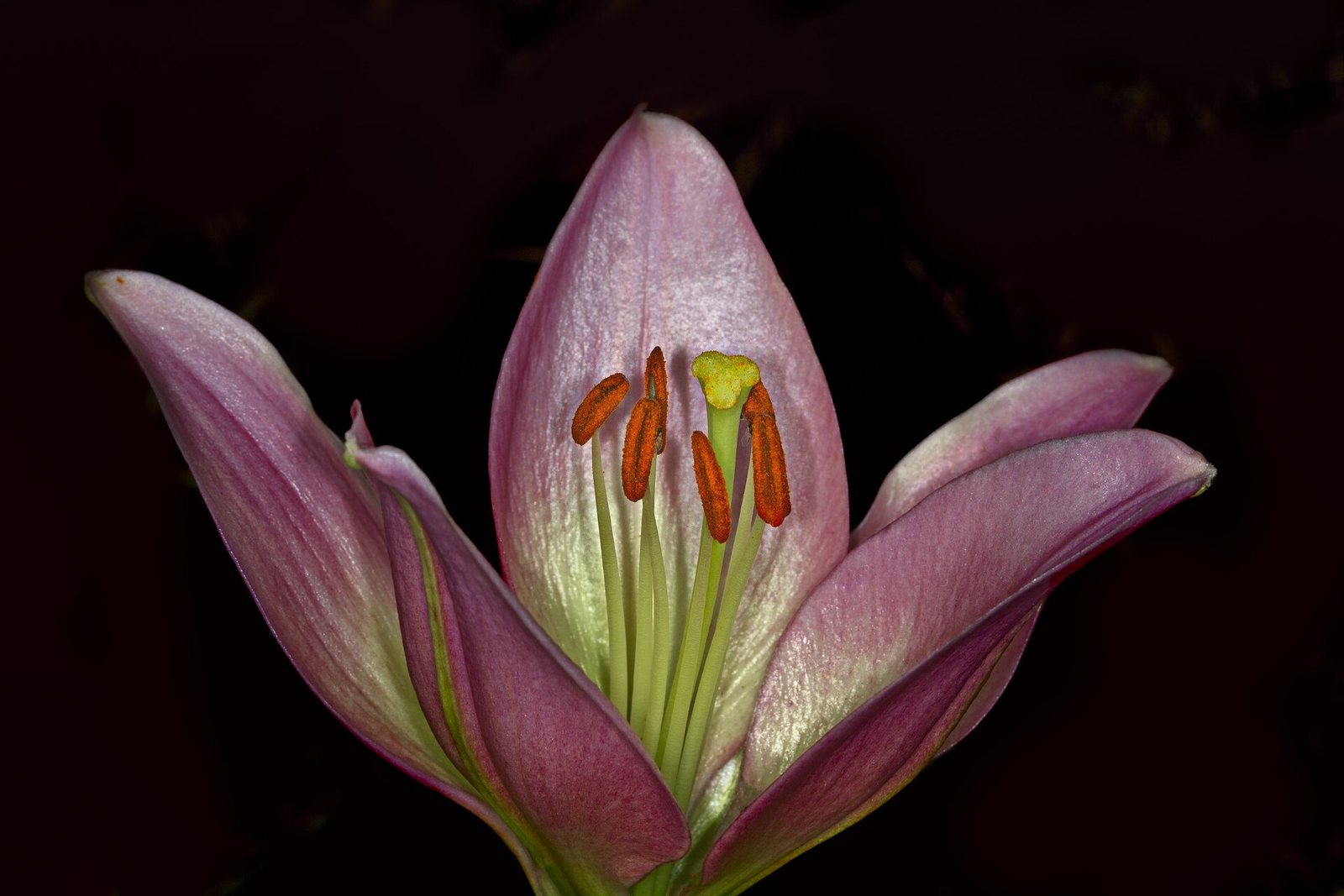
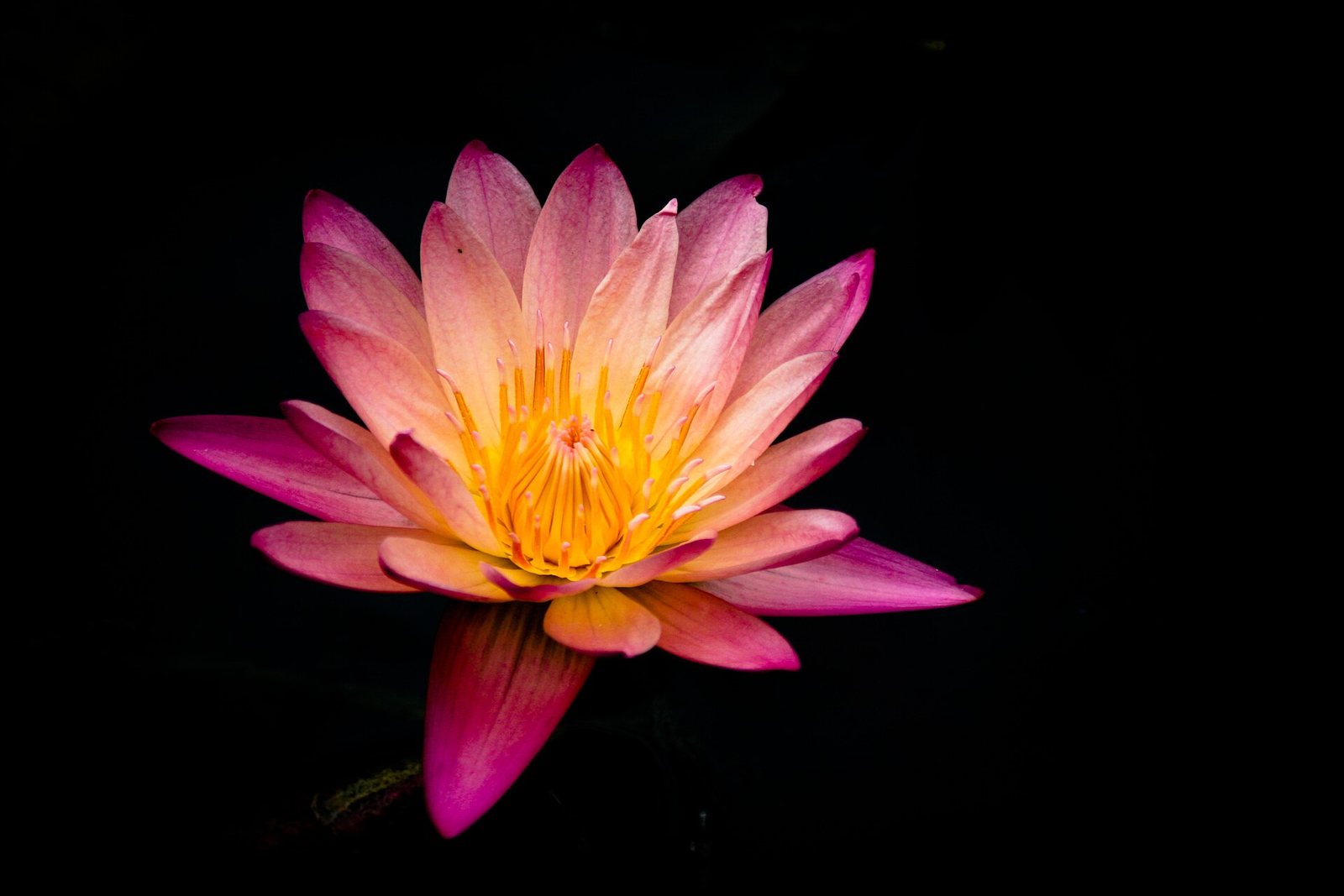
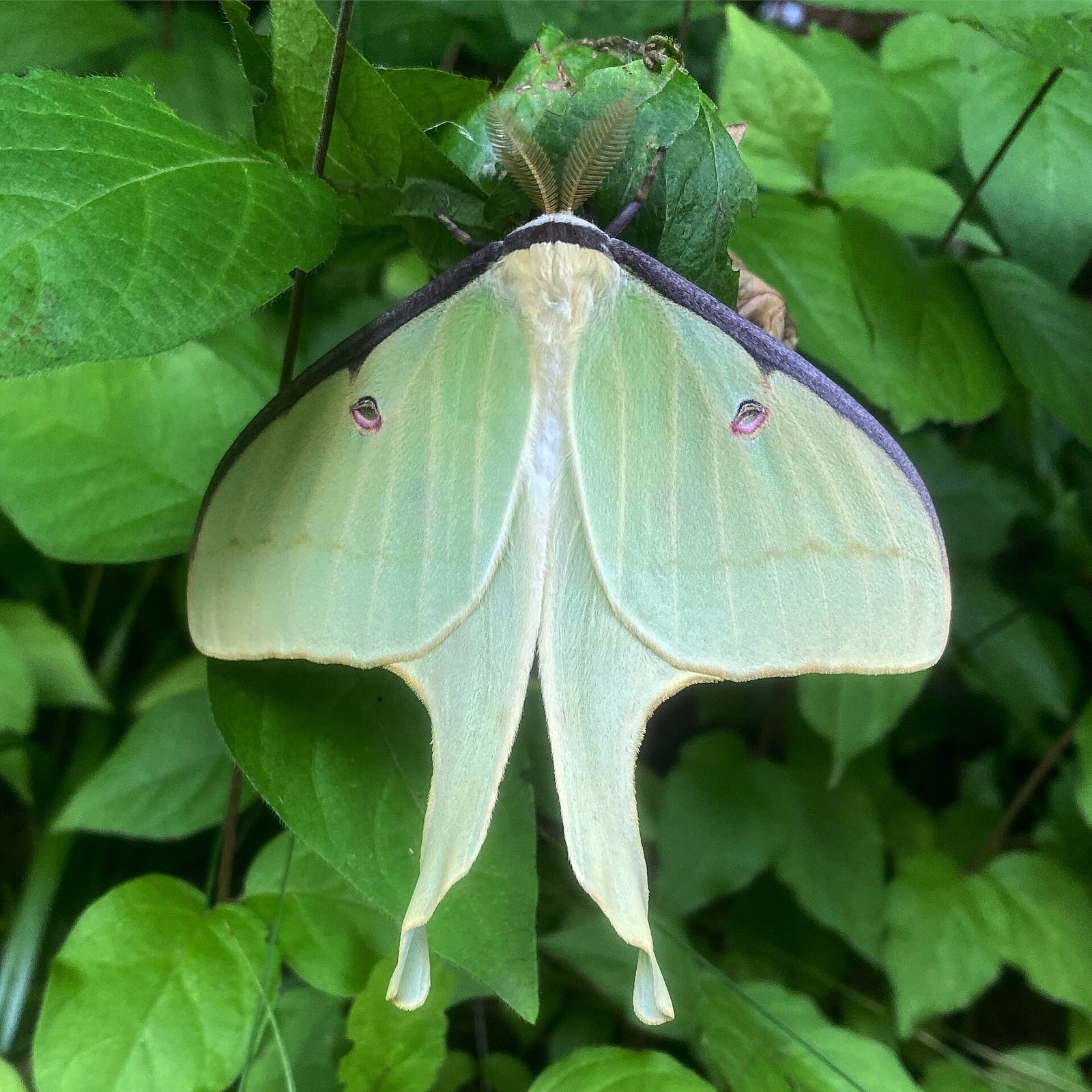
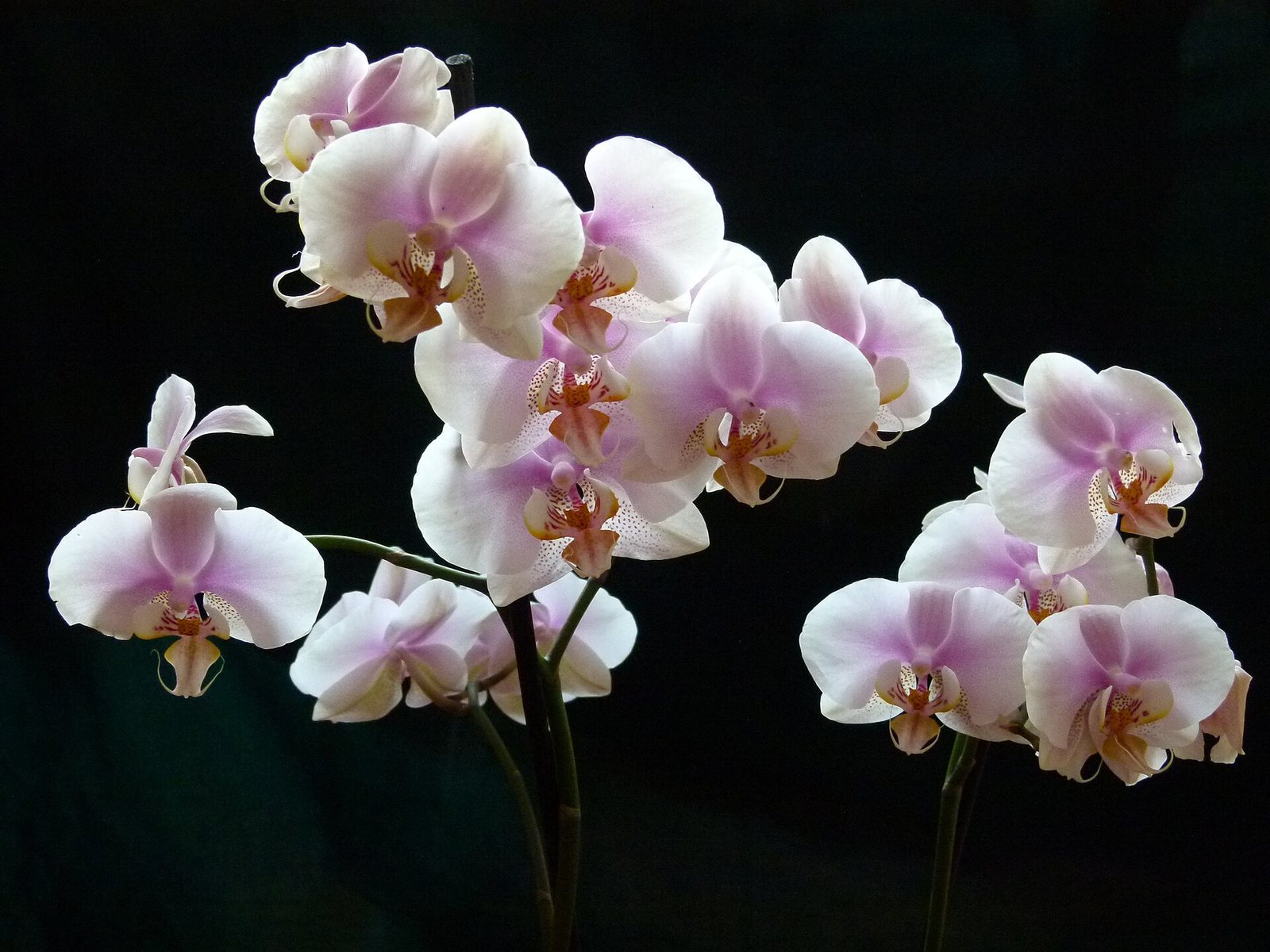

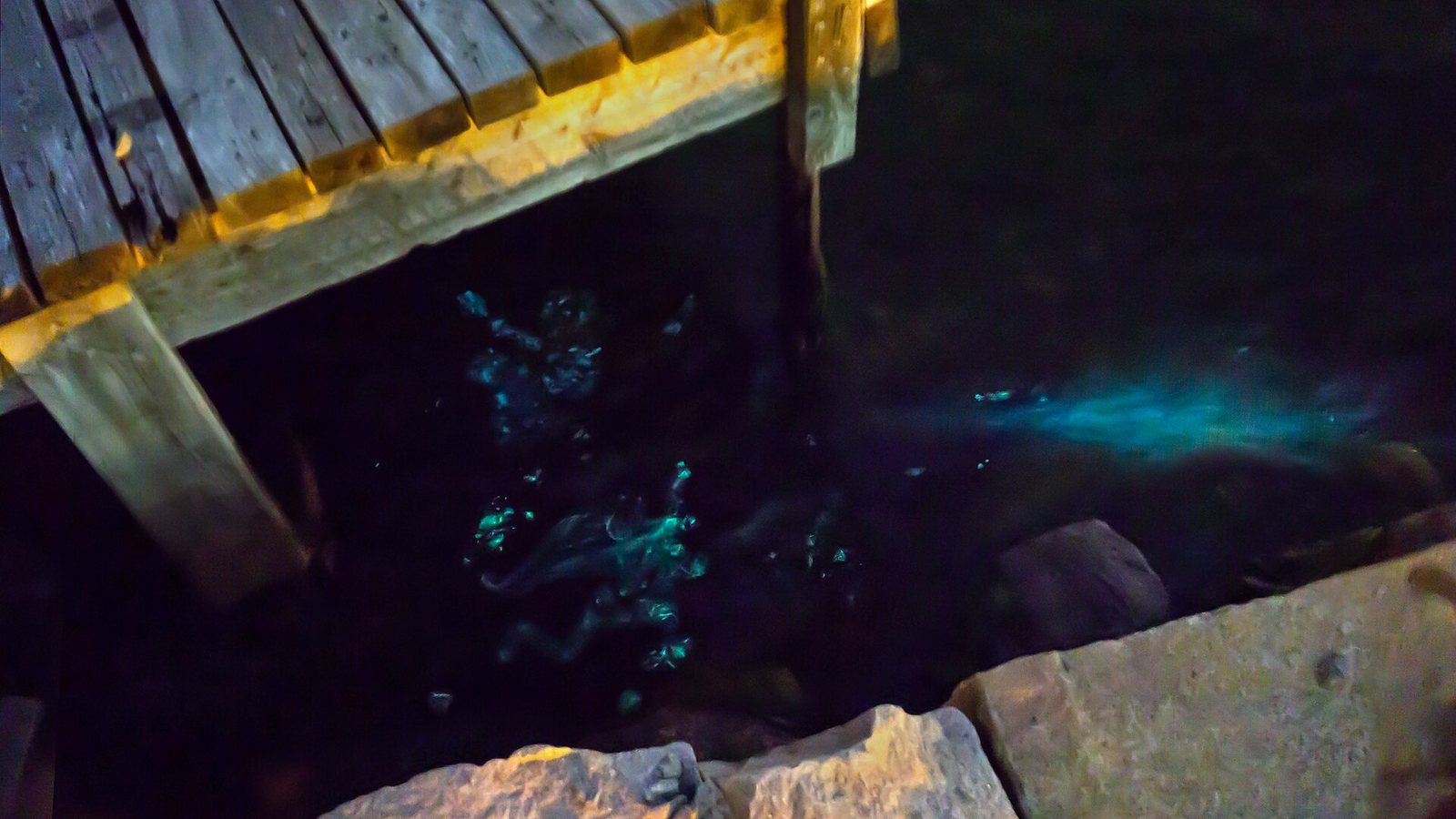
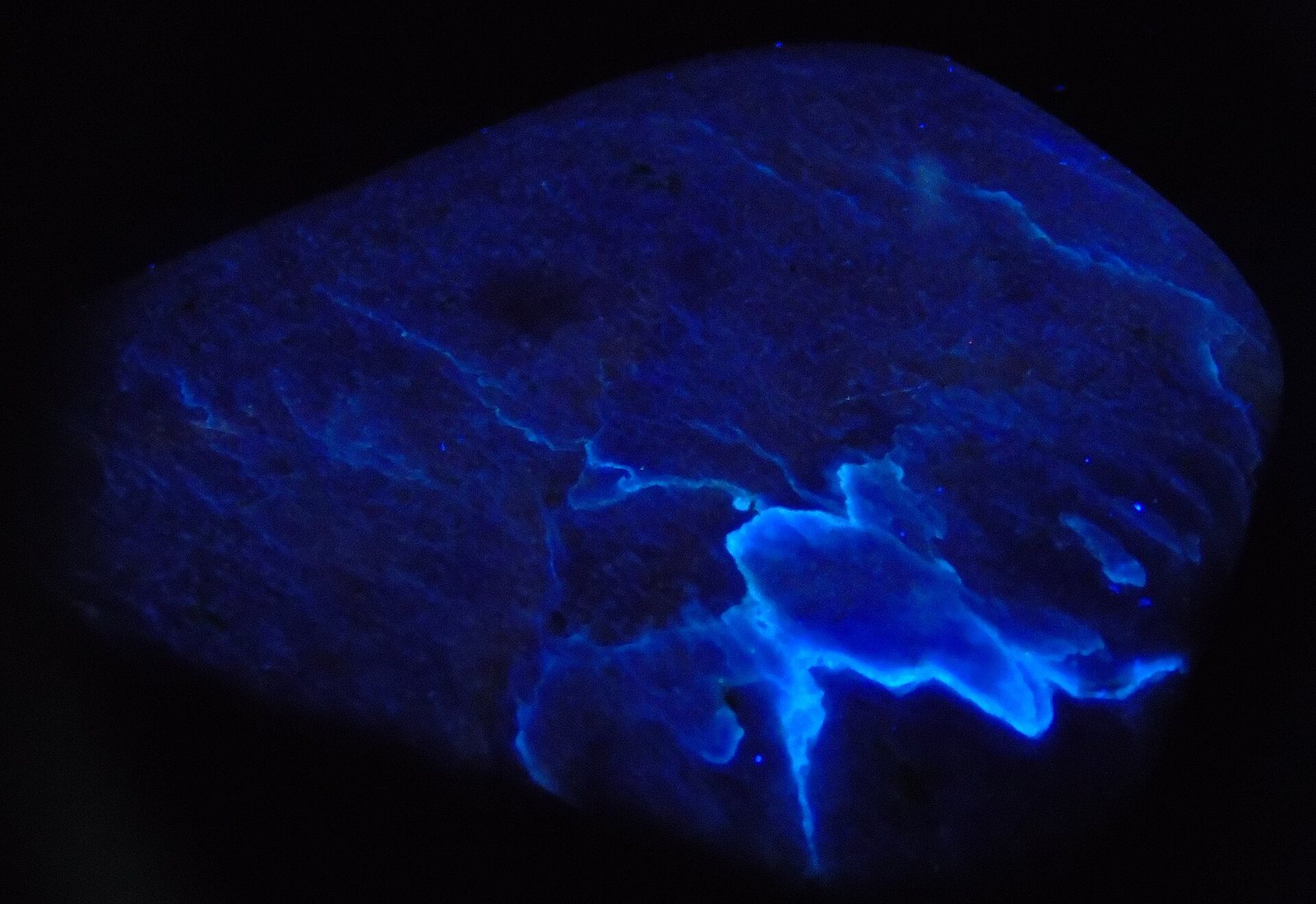
Photographs edge to edge, in the Darkroom or Sunlight. Point at one and its edges glow with its own color.
Photographs, freely licensed via Wikimedia Commons: Don Komarechka (CC0), Erwin Bosman (CC0), Ryan Baker (CC0), Abigail Staffelbach (CC0), domdomegg (CC BY 4.0), Wolfgang Weber (CC BY 3.0), W. Carter (CC0), Dr Anatoly (CC BY 4.0).
02PETALS
Original
Develop it, right here.
Bloom's darkroom panel is called Petals: fourteen Lotus looks and your own, six sliders that burn with light, and a print you keep beside the original. This is the same colour matrix Bloom uses, running on this page. Press and hold the photograph to see it as it was.
In Bloom: Ctrl+Z undoes, Tab shows the original, Shift steps by one, and zero is easy to land on.
03YOUR OWN DEVICES
No cloud between.
Your photographs travel between your own computer and phone over Kínisi: paired by you, encrypted end to end, on your local network. Add a photograph on one and look over at the other: it's already there. Delete it on one, and it's gone from both.
There's no account or sign-up. The library stays on your devices, in a folder you can open. This website records aggregate page visits through Vercel Analytics; it does not access your photo library. Privacy.
04THE RECORD
Every photograph, read like a specimen.
Below: the record of the photograph you developed above.
Open a photograph's metadata and Bloom lays it out as a specimen sheet: file, capture, place, image, library, and every raw tag the file carries. Click any value to copy it. Where a file has nothing to say, Bloom tells you so plainly.
Right-click any photograph to copy it, as the file, a PNG and a bitmap at once, so it pastes anywhere.
01 FILE
formatJPEG
pixels1600 × 1600
megapixels2.56 MP
aspect1:1 (1.000)
02 CAPTURE
no capture data in this file
03 PLACE
no coordinates in the file
05 LIBRARY
syncon paired devices
05IN YOUR POCKET
The same room, on your phone.
Bloom on Android draws the room a size up for your thumb: two columns on the wall, a swipe to turn the page, Petals beneath the photograph with the photograph still in view, and the details sliding in from the right.

Bloom 1.0.1
Free and signed by Lotus. On Windows it installs for you alone, with no administrator needed, and asks once whether it may sync on your private network. On Android, open the file on your phone.
Each release carries SHA256SUMS.txt and its Ed25519 signature. The public key and how to verify are
on the release page. Windows may say the publisher is
unknown: choose More info, then Run anyway. Android asks once to allow installs from your browser.


.jpeg)
.jpg)
_on_foliage.jpg)

.jpeg)

